Detect frontend HTML and accessibility issues directly in WordPress.
Aura Frontend Inspector helps developers and site owners identify frontend issues that damage quality, accessibility, and trust. It is designed for practical WordPress work: troubleshooting real pages, improving output quality, and helping teams catch issues earlier before they become production problems.
Enable debug and the features you want
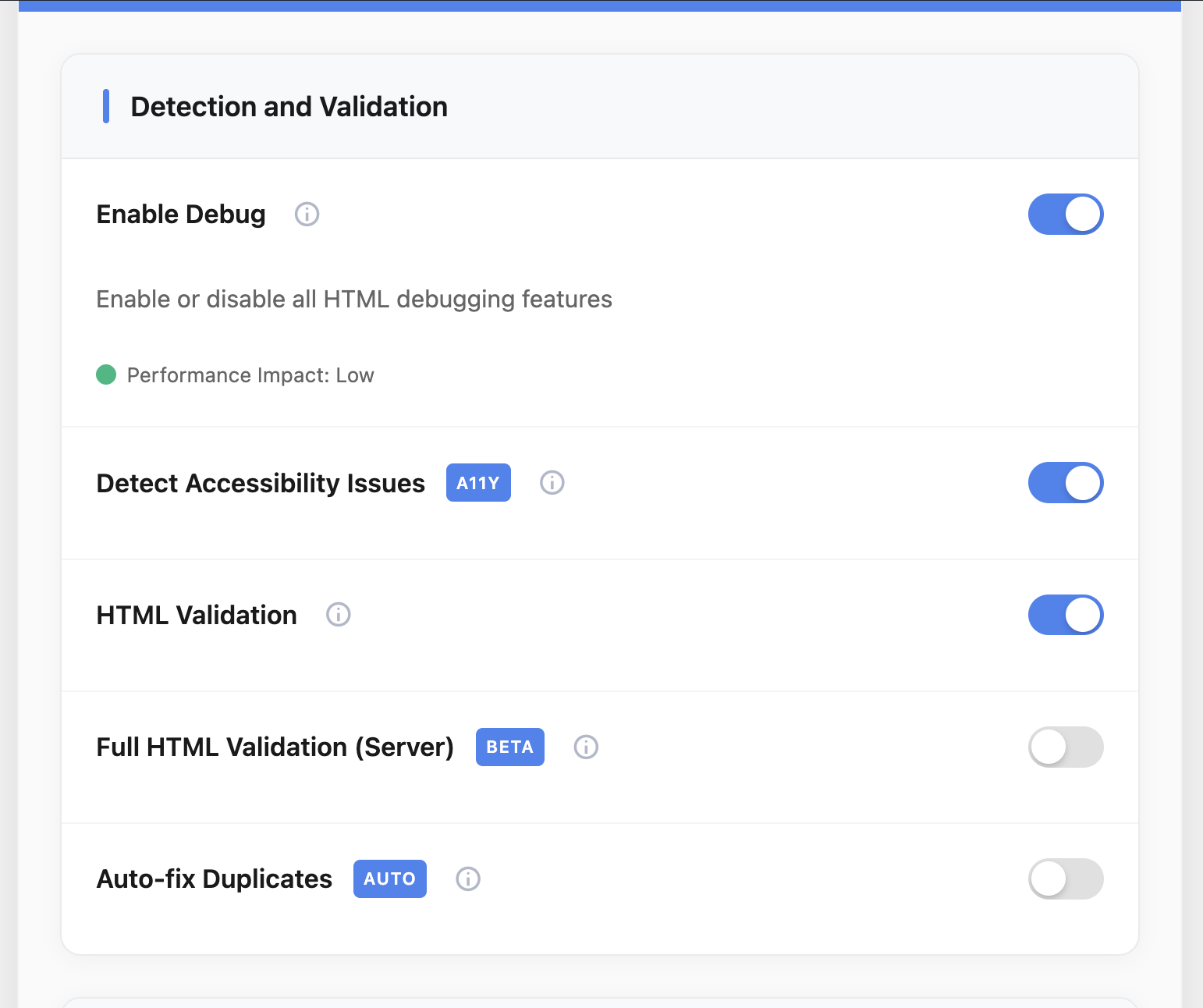
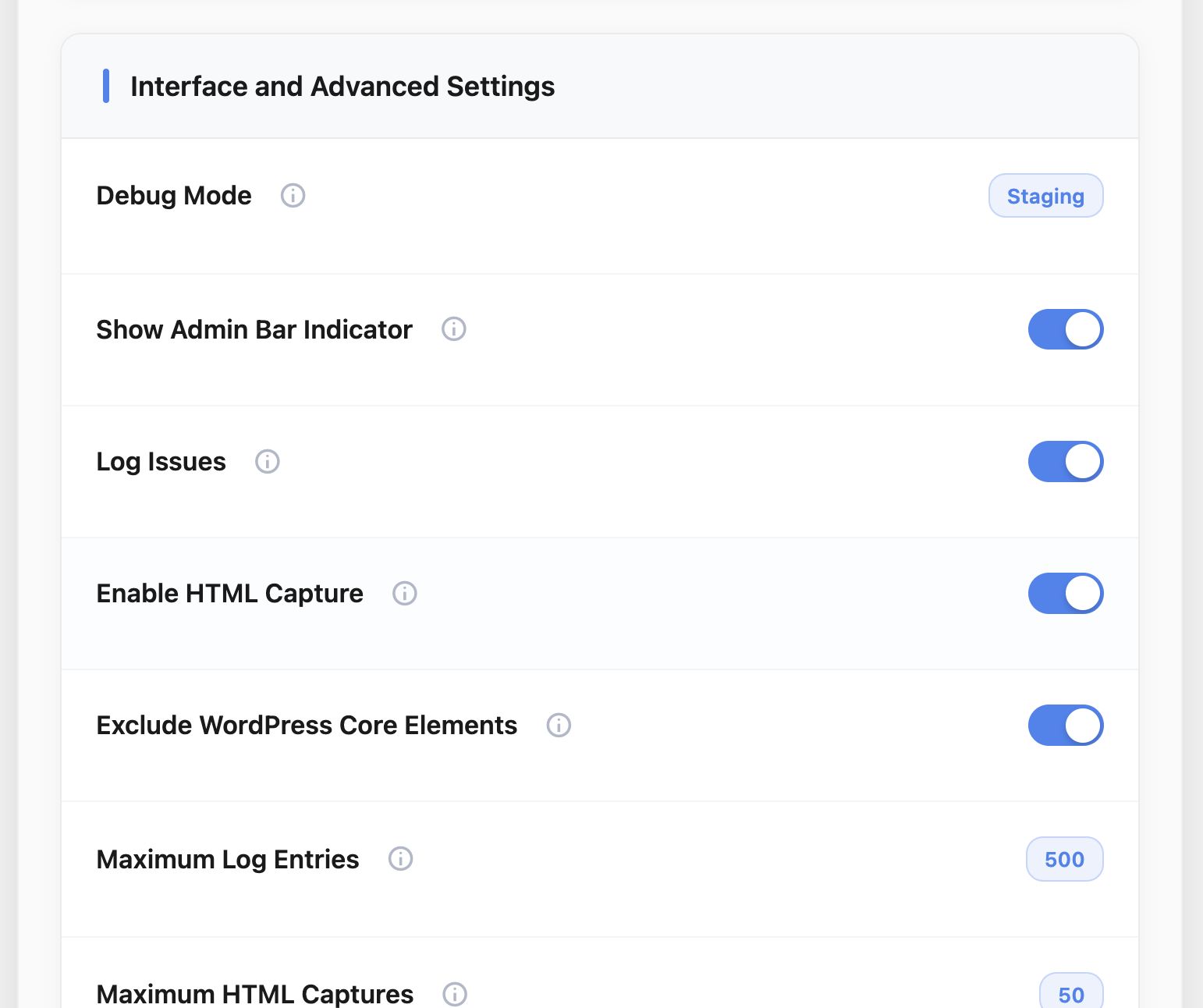
Set how you want to use AFI plugin. Instead of relying only on manual inspection, the plugin analyzes the rendered frontend and highlights problems such as invalid structures, accessibility-related issues, duplicated identifiers, and other markup weaknesses that are easy to miss during day-to-day development.
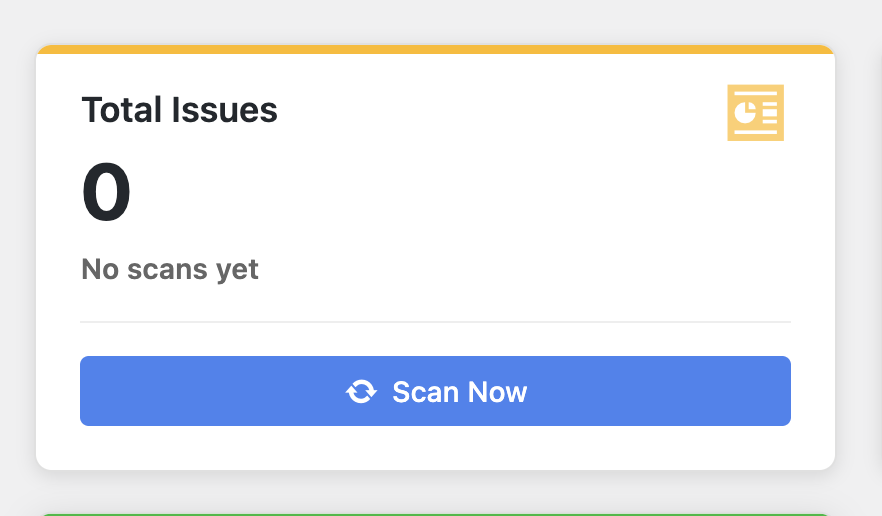
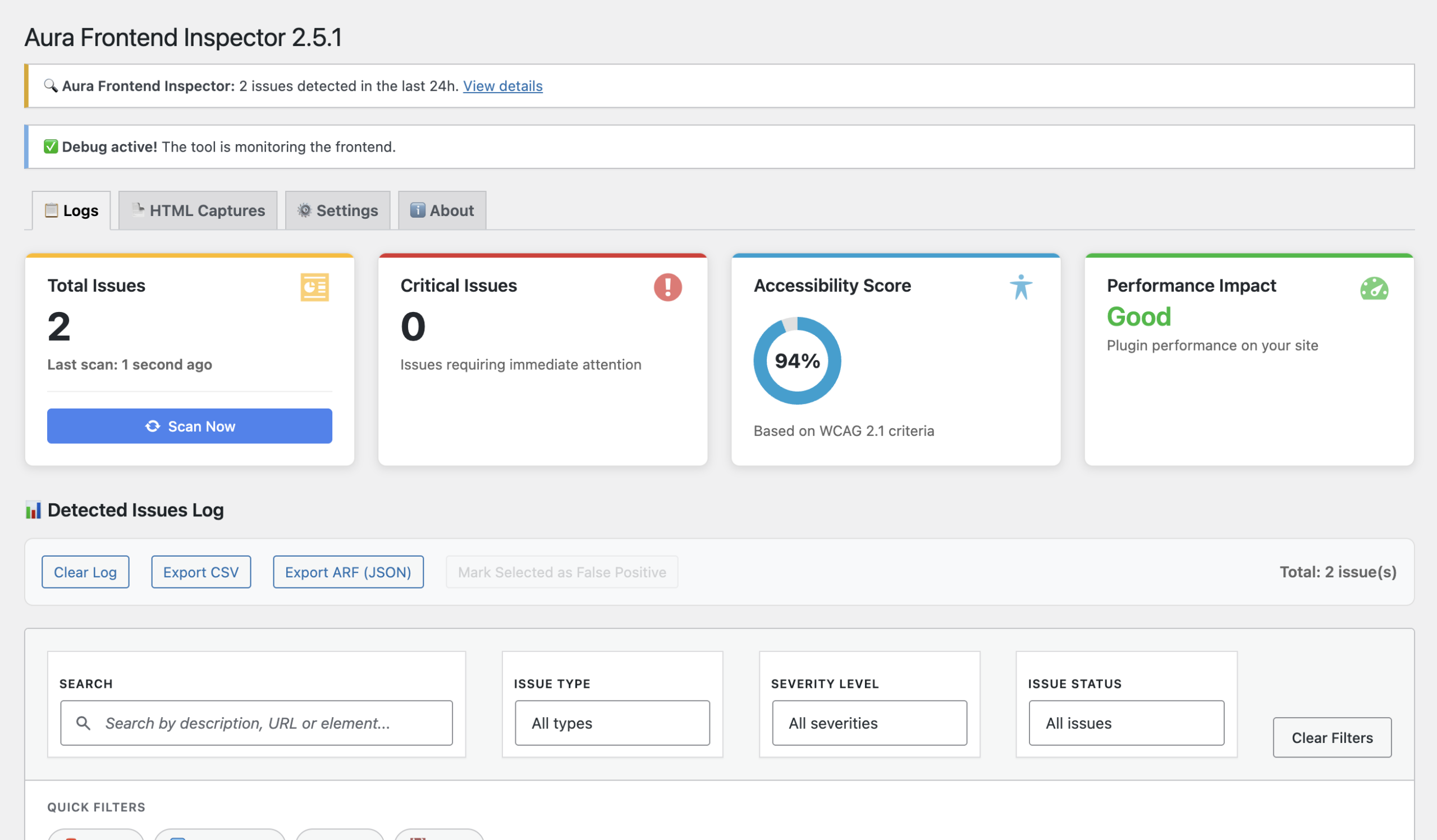
Scan the whole site with one click and see total issues in hand
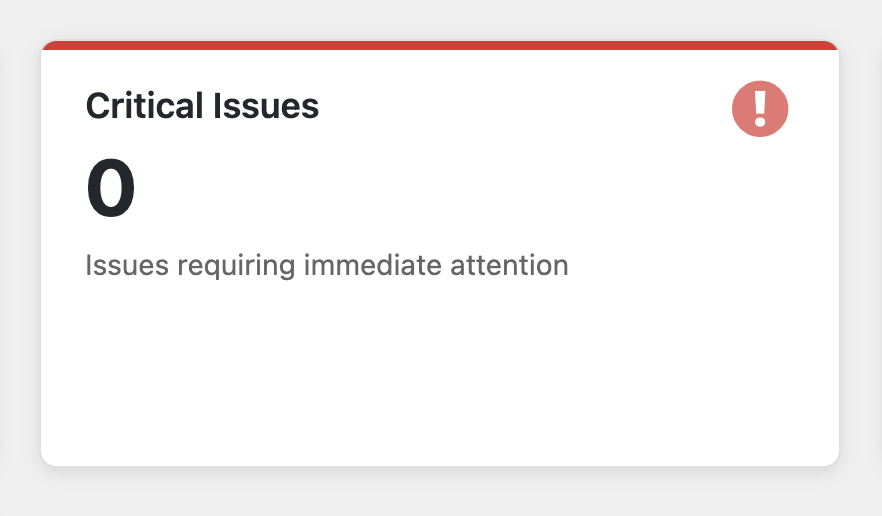
Shows the number of critical issues detected and emphasizes their urgency, helping developers quickly identify and prioritize problems that require immediate attention to maintain stability, security, and accessibility
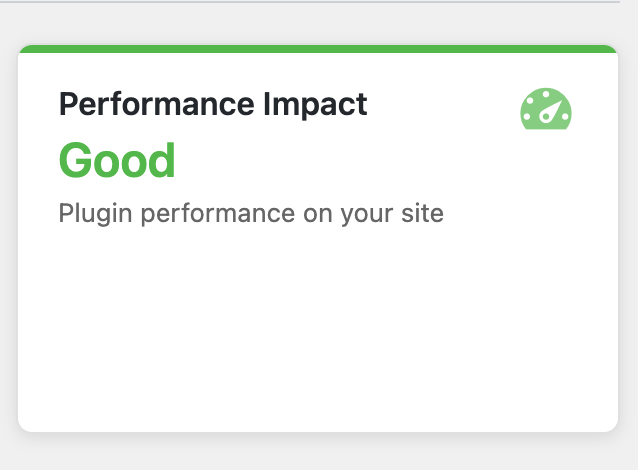
Immediate performance impact analysis
Get an instant health overview of your site. Use filters to focus on specific issue category or search for a specific logged issue
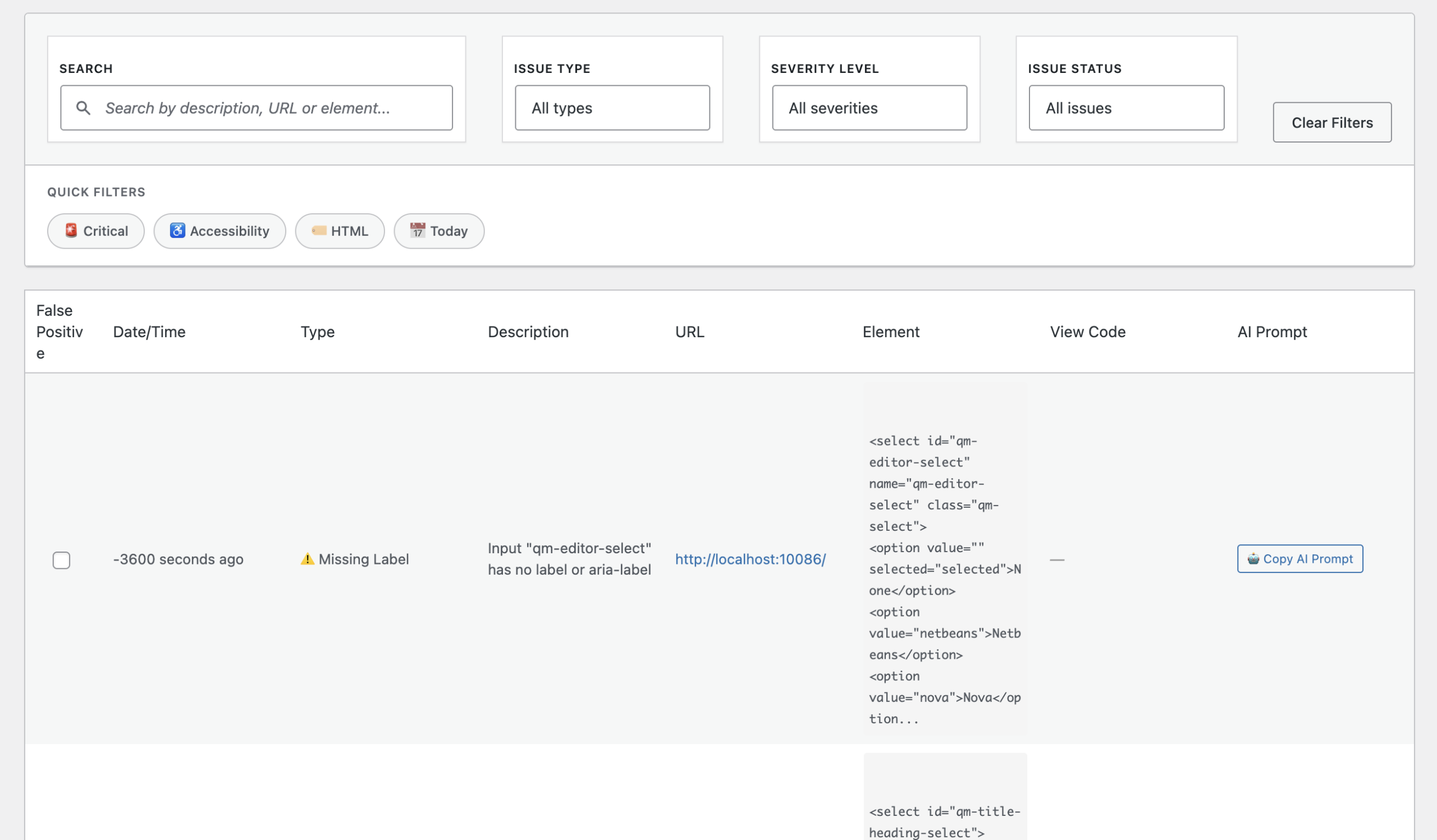
Pinpoint issues and export them in Aura Report Format (ARF), a structured, AI-optimized format for precise analysis. Simply paste (Ctrl/Cmd+V) into your preferred AI—Claude, Gemini, ChatGPT—to get actionable insights fast.
Instead of giving you vague summaries, it stores the actual captured HTML. That matters because developers do not fix “concepts”; they fix markup, attributes, DOM structure, and rendering output. This interface brings you straight to the source.
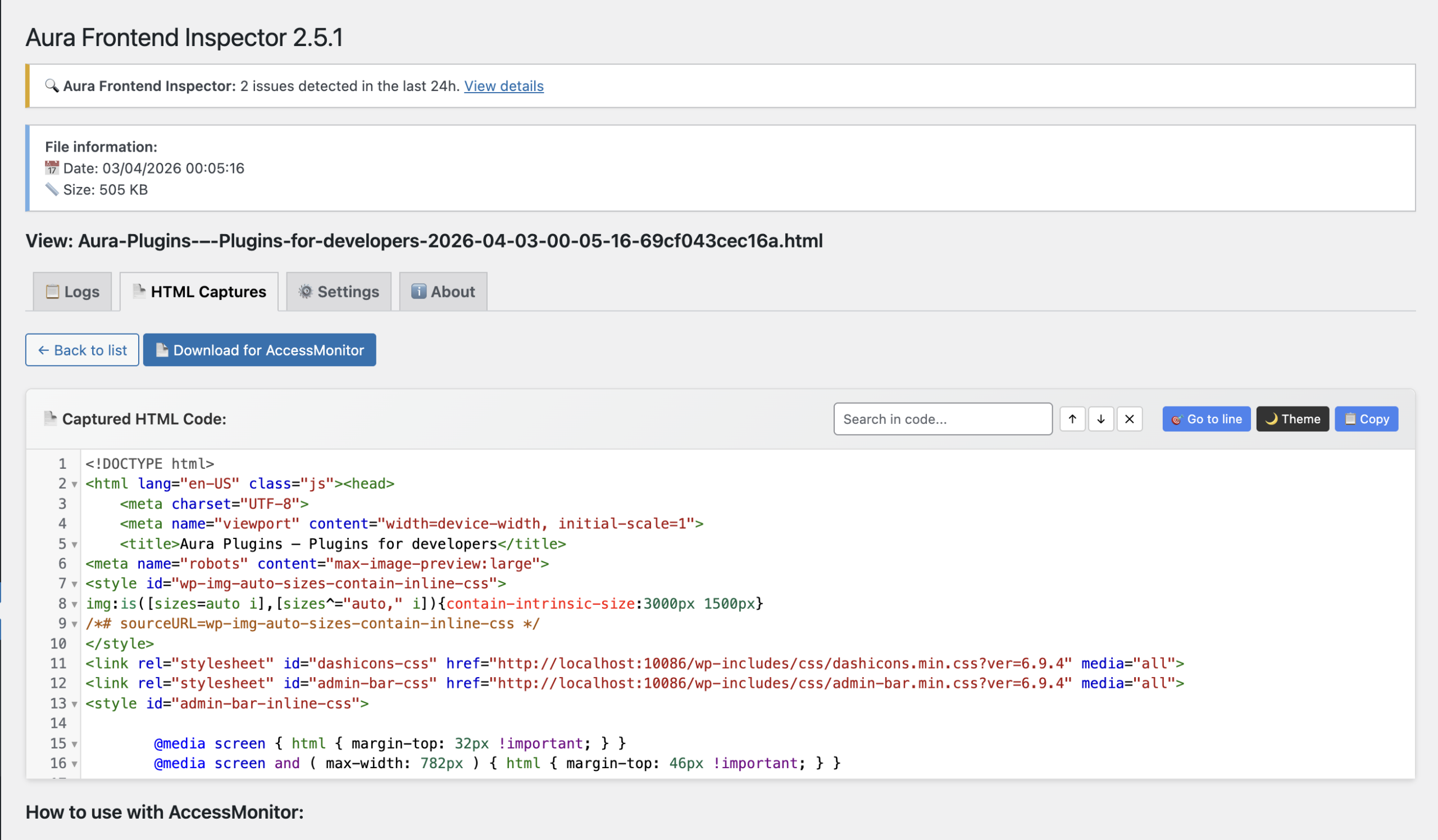
Frontend problems often survive longer than they should because they are scattered, repetitive, and hard to track systematically. Aura Frontend Inspector gives you a more disciplined way to surface those issues and work through them with confidence.
